Schedules and triggers
A trigger is the only thing that starts an automation. The automation never starts itself: no background threads, no in-process scheduler, no loop waiting for a clock. Something outside it fires exactly one workflow, and the automation answers.
Arming one
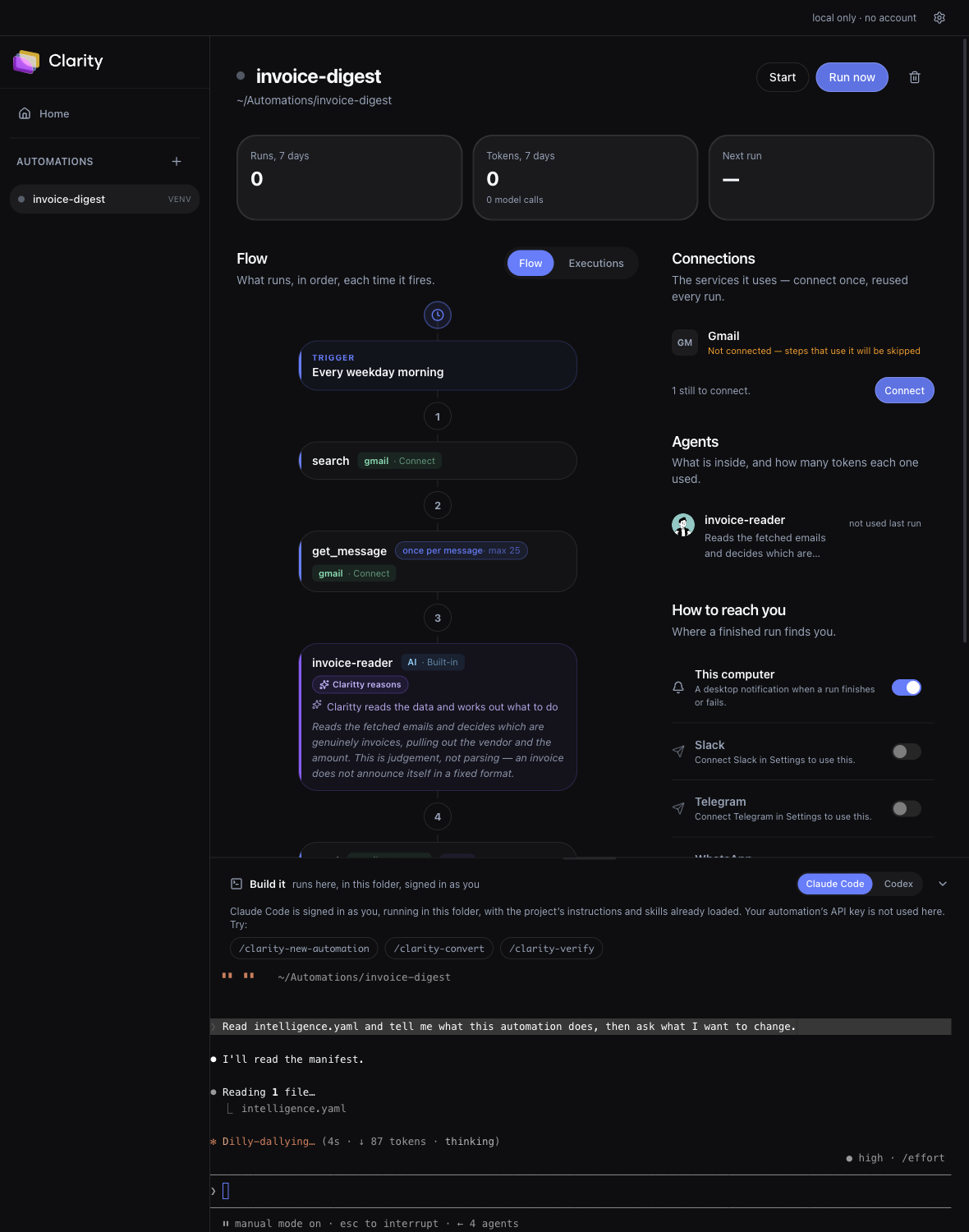
Open the automation, find Triggers, set the time and timezone, and throw the switch. Triggers arrive off on purpose. An automation that started running because you opened its page would be your machine doing work you never asked for.
Cadence is yours, not the author's. A schedule trigger declares which cadences it supports and asks for a time and a timezone as configuration, so nothing hardcodes a cron string you would have to edit code to change. Because the timezone is real, the run holds its wall clock across a daylight-saving change instead of drifting an hour.
Missed windows
When the app was closed over a due time, the next start says so. It does not pretend nothing was scheduled, and it does not silently fire a backlog of runs at once either. You see what was missed and decide whether it still matters, which is the right default for an automation that sends email or moves money.
Running without the window open
The CLI runs the same automations headlessly, which is what you want on a machine that stays on. It ticks every 15 seconds and fires anything due:
node apps/cli/dist/index.js trigger add --daily 09:00
node apps/cli/dist/index.js serve --native
Close the terminal and nothing runs. That is a property of your laptop rather than a limit anyone chose, and it is the same reason the desktop app cannot fire a schedule while it is shut.
Webhooks
A webhook trigger is served by that same headless process, not by the desktop app. It needs a secret in its configuration, and it gives you a local URL:
node apps/cli/dist/index.js trigger add on-event      # a WEBHOOK trigger
# -> http://127.0.0.1:4319/webhooks/<instance-id>

curl -X POST http://127.0.0.1:4319/webhooks/<id> -d '{"hello":"world"}'
Every delivery is stored before it is forwarded
Headers and body, whole, on arrival. So when one fails at 2am you do not ask the sender to please do it again:
node apps/cli/dist/index.js deliveries
node apps/cli/dist/index.js replay <delivery-id>
Deliveries that arrive while the automation is down are still recorded, and answered with a 503 rather than a 404, so a sender with retries backs off and tries again instead of writing the endpoint off as gone.
When the machine is the problem
Everything above works, for free, on your own hardware. The one thing it cannot do is run while the machine is off, and a laptop that closes at 6pm is the wrong place for a 6am job. That is where the hosted platform starts to be worth something, and not really before.
intelligence.yaml, moved to a machine that stays awake.