Claritty Studio
A desktop app for AI automations, the ones that keep working after you close the lid. You say what it should do, your coding agent writes it, and it runs on your machine with your own keys. Free, and there is no account to make.
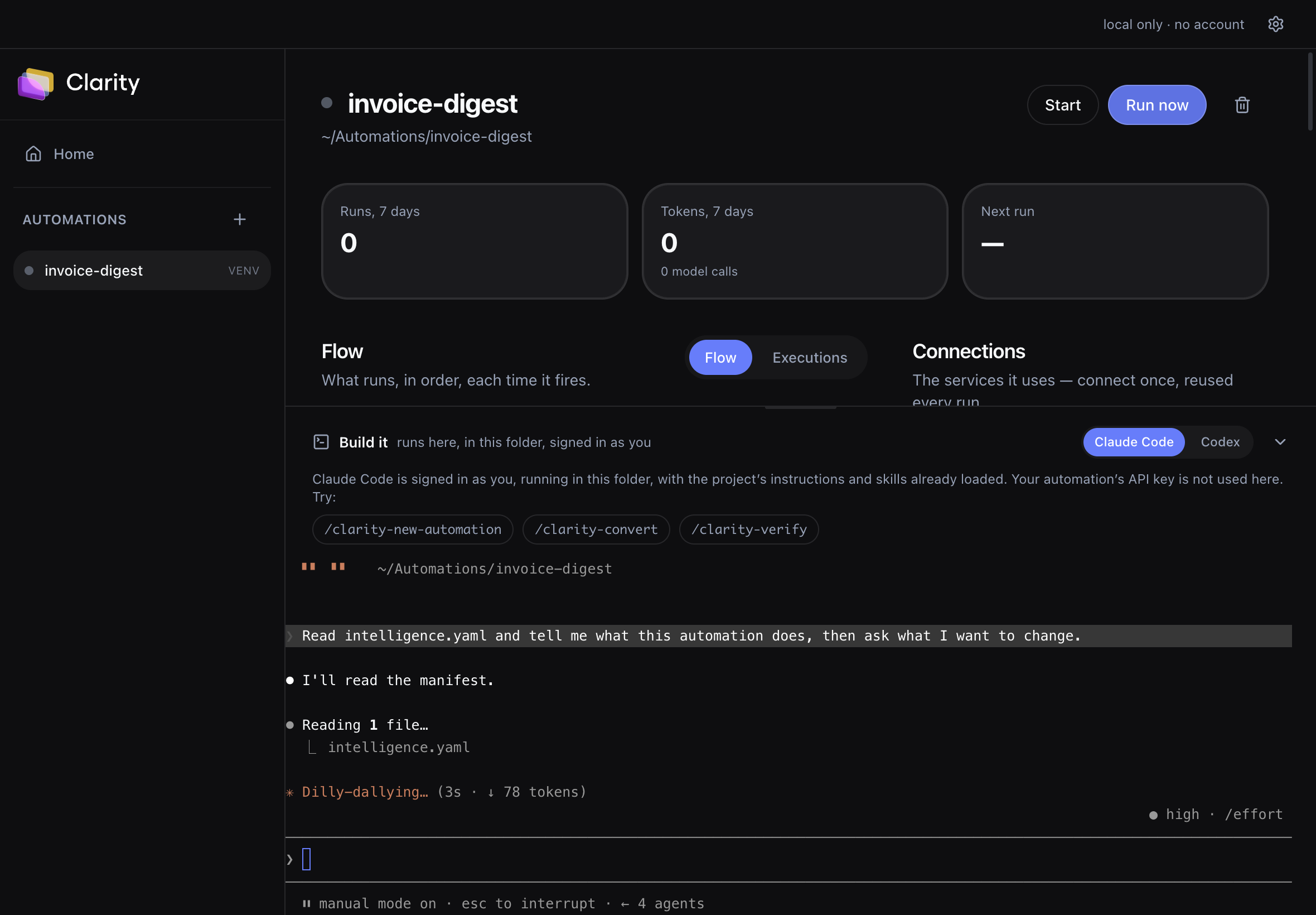
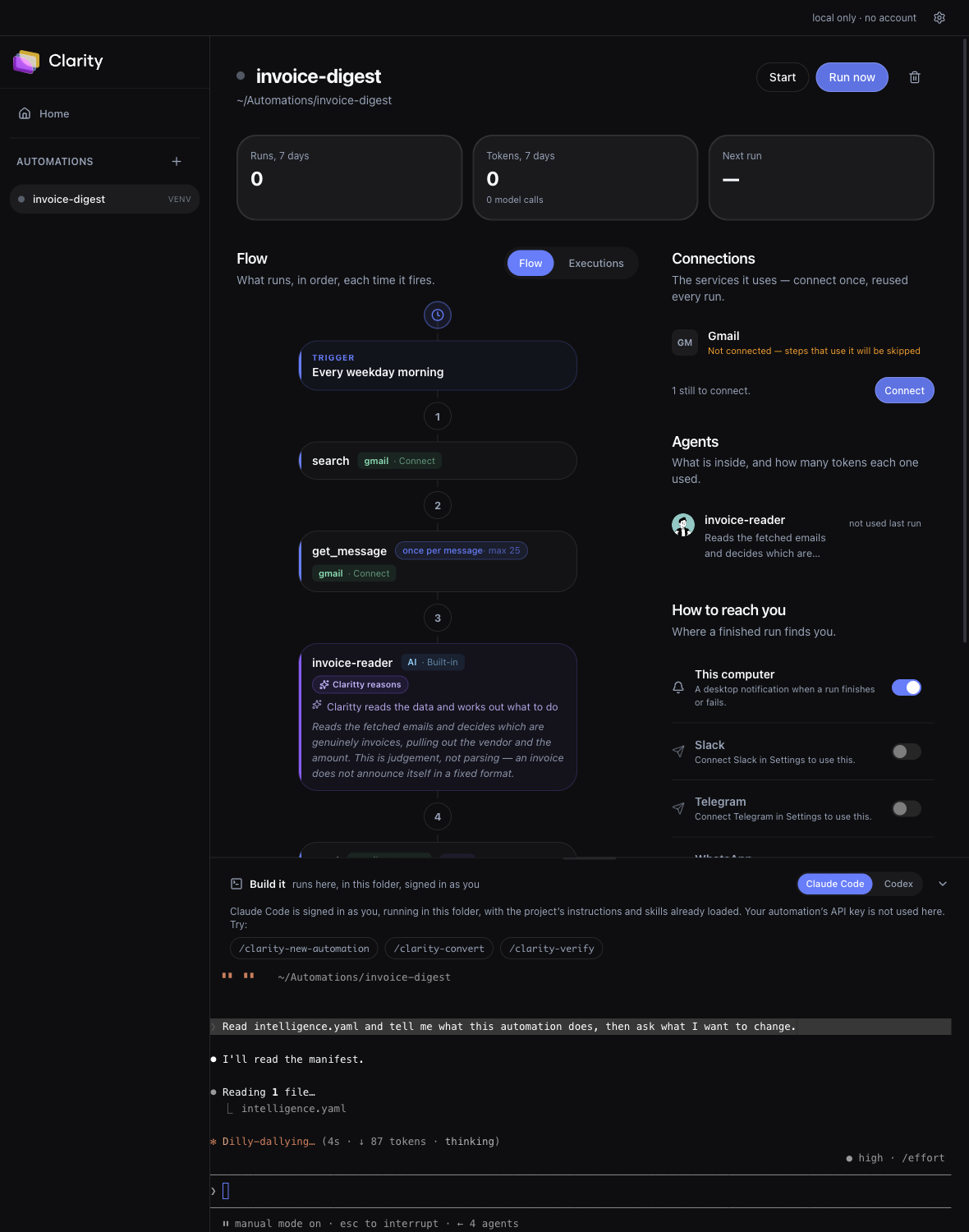
intelligence.yaml, the flow above redraws as it saves, and an Updated badge says so. No restart, no refresh. That loop is the product. A diagram on its own could be any workflow tool.Local first, and that is the whole point.
It runs on your machine
Automations execute locally, in Docker or a local Python environment. Nothing about them needs an account, and closing the app stops the work rather than moving it somewhere you cannot see.
Your keys, brokered
Model keys and service credentials sit in your OS keyring, Keychain on macOS, DPAPI on Windows, libsecret on Linux. The automation process never receives one, so a bad dependency has nothing to steal.
No account, no telemetry
Studio talks to two kinds of remote host: the model provider whose key you configured, and the APIs your own automation calls. There is no sign-in and nothing reports back. CI in the repo fails if runtime code so much as mentions claritty.ai.
MIT, and the whole product
Not a trial of the hosted platform with steps removed. Build, run, schedule, connect and debug all work locally and for free. What you pay for later is unattended hosting, not features.
A run before you spend anything.
Most tools open with "first, get an API key". Studio can prove the runtime works before a key exists, which means a failure later is a credential problem rather than an install problem.
- 1
Run one with no credentials at all
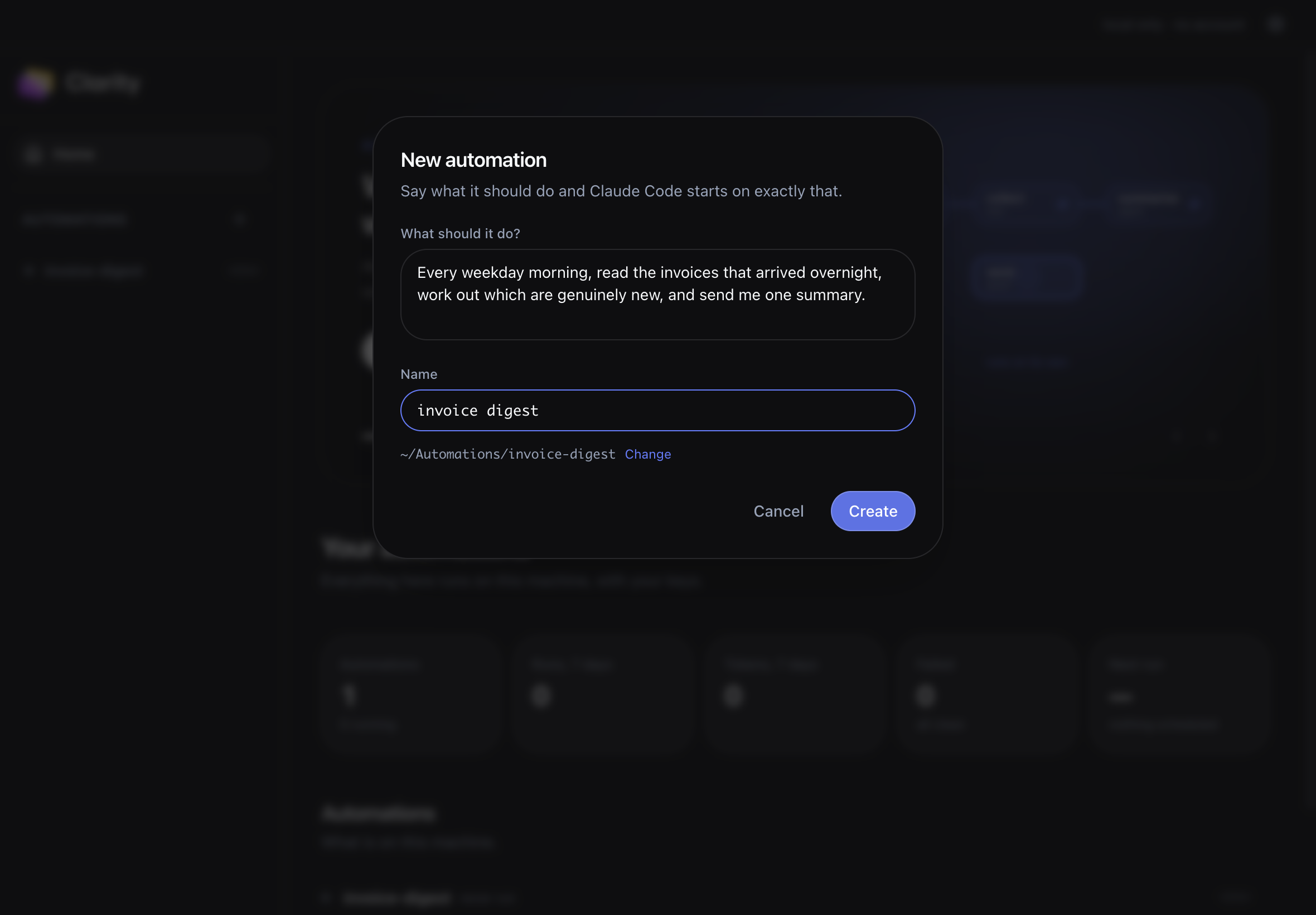
Install, describe an automation, press Run now. No model key, no account, nothing connected.
- 2
Add a model, and the agents wake up
Until now every step was deterministic Python. A model is what lets an automation decide, which is the difference from a cron job.
- 3
Connect a service, and it reaches the world
13 services, brokered from your keyring. Where a service needs an OAuth app you create your own.
The half that starts after you write it.
Agent harnesses are development scratchpads. They are good at running coding agents side by side and have nothing to say about 9am on Tuesday. Studio is built for the other half.
A schedule
Weekday mornings, hourly, at 09:00 in your timezone. It survives DST without drifting, and tells you what it missed while the machine was asleep instead of pretending nothing was due.
Webhooks with replay
Every delivery is stored whole, headers and body, before it is forwarded. When one fails at 2am you replay it rather than asking the sender to do it again.
A credential vault
13 services connect once and are shared by every automation on the machine. Gmail, Jira and WhatsApp use an OAuth app you create. There is no Claritty client id to sign into.
Traces you can read six weeks later
Every run is a step timeline with the model calls, the tokens and the cost, so a Tuesday failure is a thing you read rather than a thing you reproduce.
When a laptop is genuinely the wrong machine.
One limit is worth knowing before you arm anything: schedules fire only while Studio is open, because the dispatcher lives in the app. For a 6am run on a closed laptop that is not a setting, it is the wrong machine. That, hosted webhook endpoints, the full integration catalog, and sharing with other people are what Claritty Cloud adds. Everything else on this page you already have.