Get started
Three stages, and each one buys a specific capability. It is worth doing them in order, because then a failure tells you which layer broke. Most tools open with "first, get an API key". You can get a real run out of Studio before spending anything.
1. Run one with no credentials at all
Needs Node 22+, pnpm and Python 3.12+. Signed installers are not out yet, so today you build the app once:
git clone https://github.com/Clarittyai/clarity-studio.git
cd clarity-studio

pnpm install && pnpm build && pnpm package
open "apps/desktop/release/mac-arm64/Claritty Studio.app"
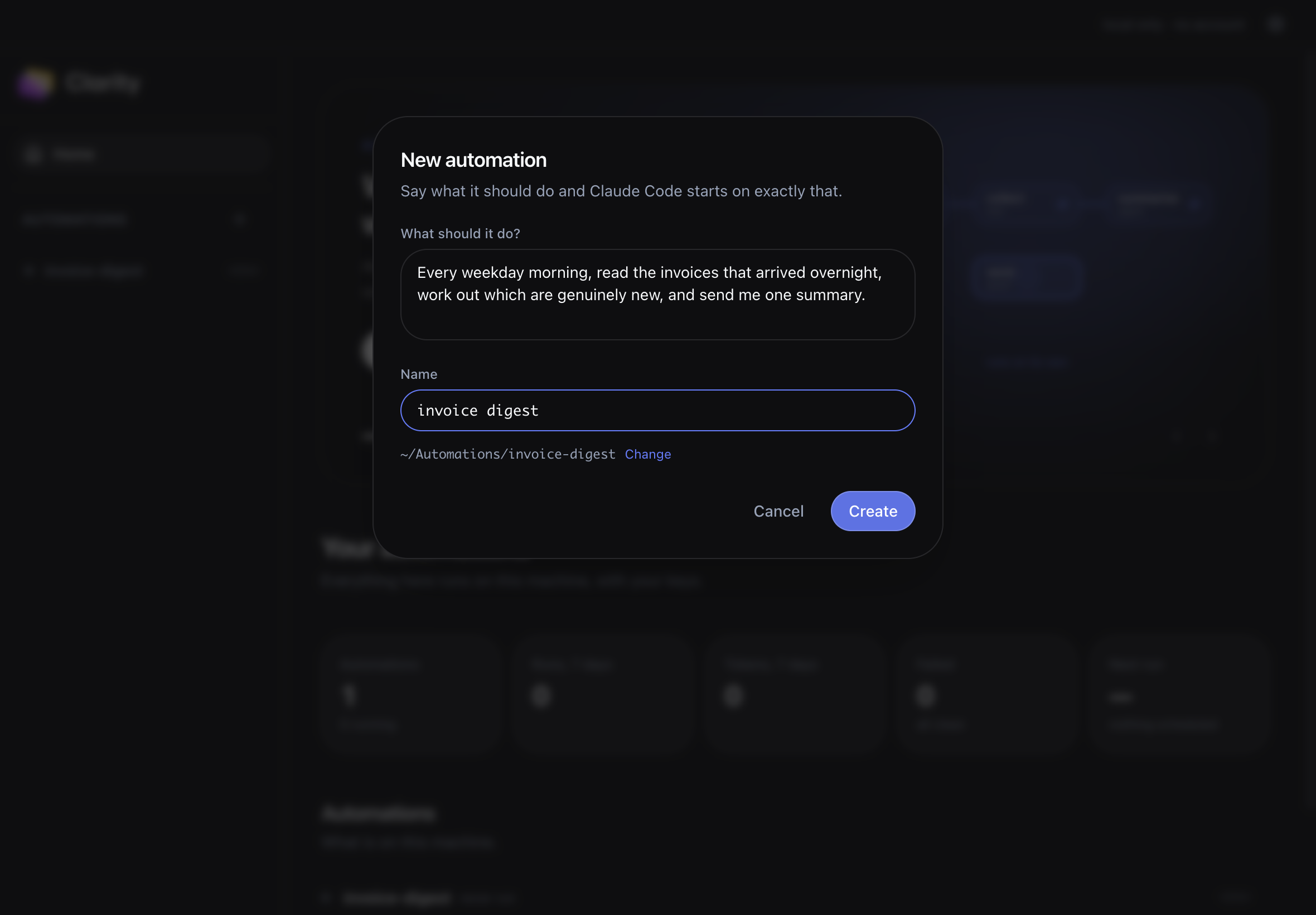
Press New automation, call it downloads-report, and say what you want in a sentence: "every weekday evening, look through my Downloads folder, group what's there by kind and age, and write me a short report." Then press Run now.
No model key. No account. Nothing connected. That run proves the machine works, the Python runtime, the workflow engine, the step timeline, so anything that fails after this is about a credential rather than the install.
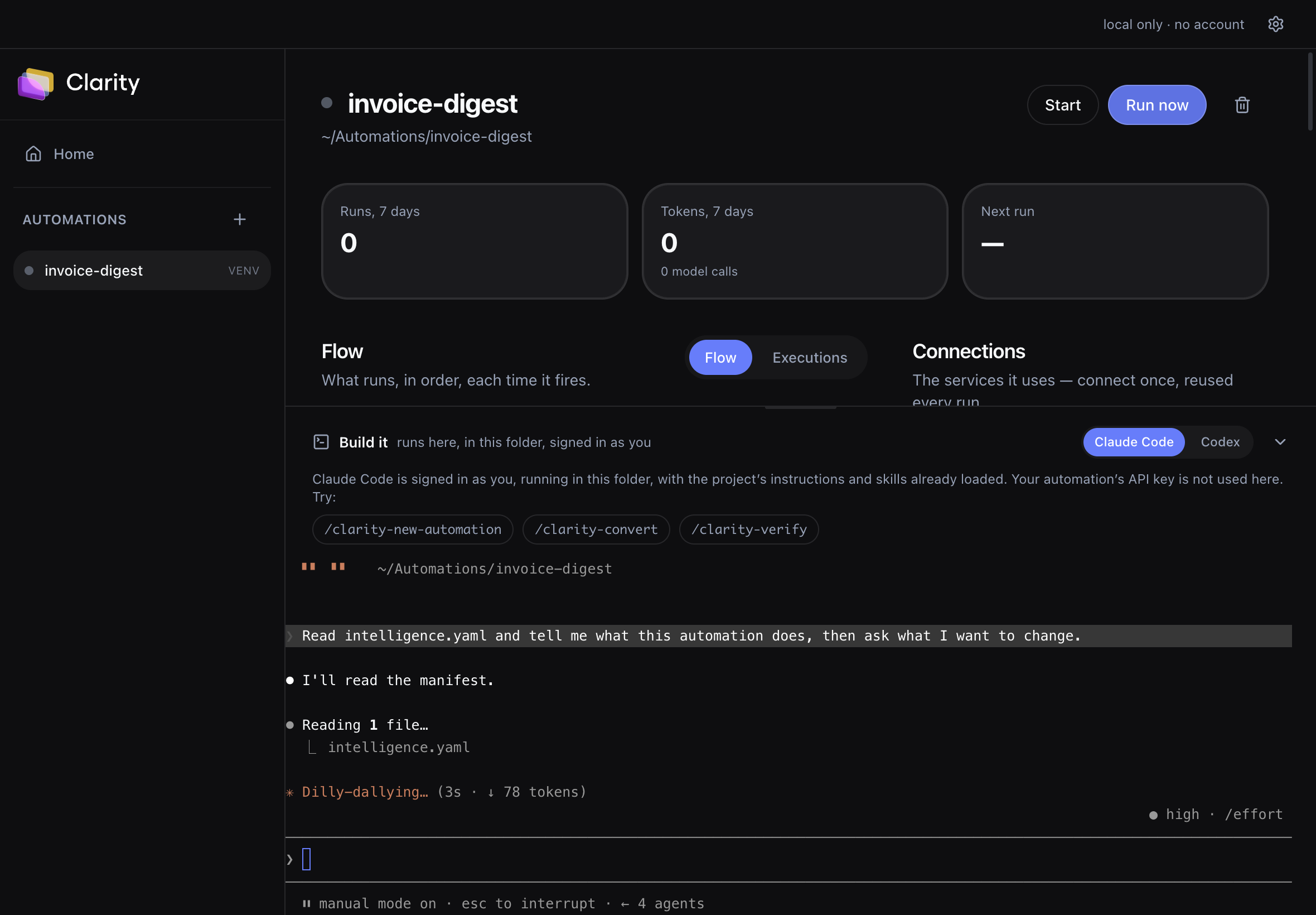
intelligence.yaml and the flow above redraws as it saves. The right column is honest about what this machine can reach: anything the catalog names but Studio cannot broker says so, rather than printing a command that will always fail.pnpm run setup (not pnpm setup, which is pnpm's own builtin command), then node apps/cli/dist/index.js new my-automation. Add run --native --simulate to check the wiring with nothing spent.2. Add a model, and the agents wake up
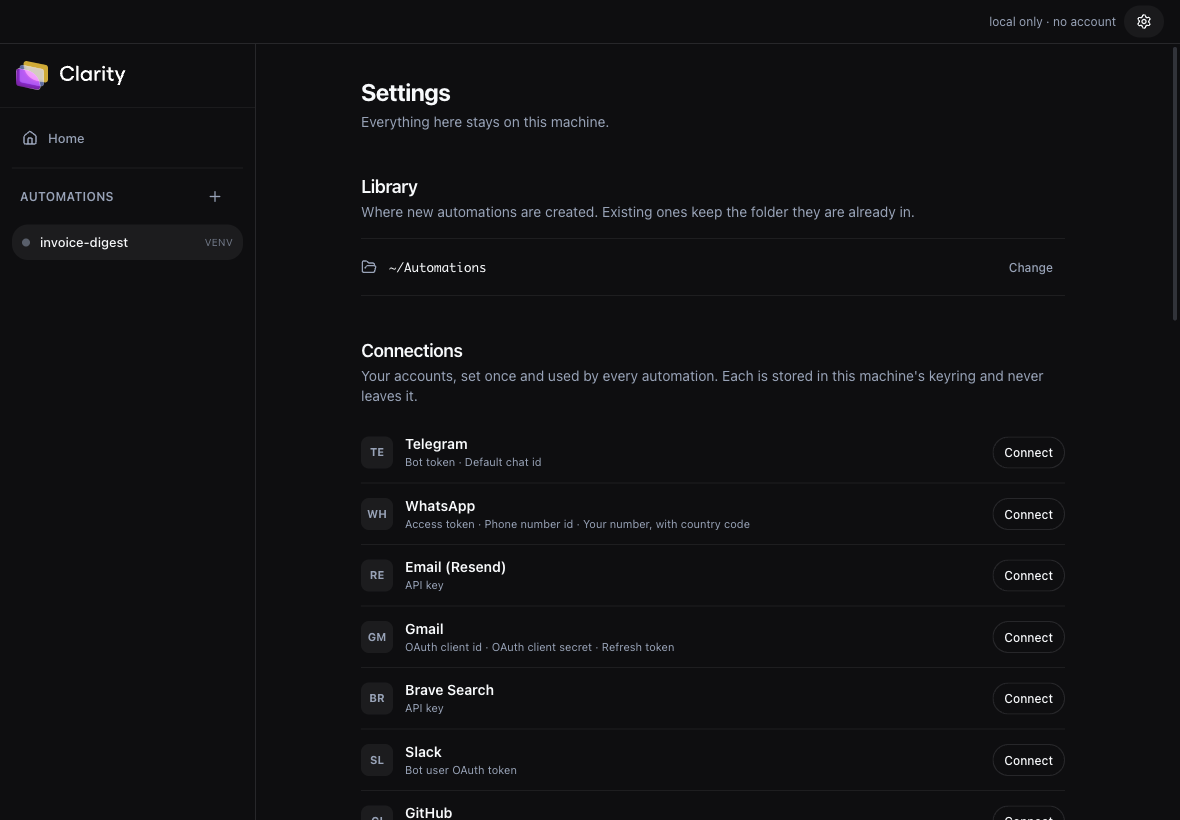
Settings → Model. An Anthropic or OpenAI key, or the address of your own server. The key goes to the OS keyring, and the automation never receives it: model calls are routed by the local control plane.
Until now every step has been deterministic Python. A model is what lets an automation decide: which of these emails is a real request, which of these results matter, is this the same issue as that one. That judgement is the whole difference from a cron job.
curl first. See Bring your own model.Test it with tools before trusting it with an agent
A server that answers prose perfectly can still drive agents that never call a tool. An agent step is a loop that ends when the model calls a specific finishing tool, so an endpoint that ignores the tools it was sent will spin to its iteration limit and fail. The automation is not broken in that case, the endpoint is.
3. Connect a service, and it reaches the world
Settings → Connections. 13 services, each with its exact setup steps. Connect one once and every automation on the machine can use it.
Credentials go to your OS keyring and are brokered: the automation's own process never sees a key, so it cannot leak one and you can revoke without touching code. Where a service needs an OAuth app, for Gmail, Jira and WhatsApp, you create your own. There is no Claritty client id to sign into.
The per-service steps, the fields each one asks for, and the tool ids an automation can call are on Connecting a service.
Then give it a schedule
Open the automation, find Triggers, and throw the switch. Schedules arrive off on purpose: an automation that started running because you opened its page would be your machine doing work you never asked for.
One limit, up front rather than at 6am: schedules fire only while Studio is open. The dispatcher lives in the app. Missed windows are reported when it starts again, and clarity-studio serve keeps one automation going headless. The whole story is on Schedules and triggers.